

What changed in Remastered?
The September 2026 Remastered update reorganized abilities into connected trees. Each skill has three ranks. Progression now depends on prerequisite abilities instead of the old rule of spending a set number of points in a branch to reach another tier. Bonuses, effects, and synergies were rebalanced, and some skills were renamed. Existing skill points were reset by the update, so returning players should review and rebuild their allocation.
This summary follows CD PROJEKT RED’s official September 28, 2026 change list . Older original-edition and 2022 next-gen skill charts are version-specific references, not exact maps of this tree.
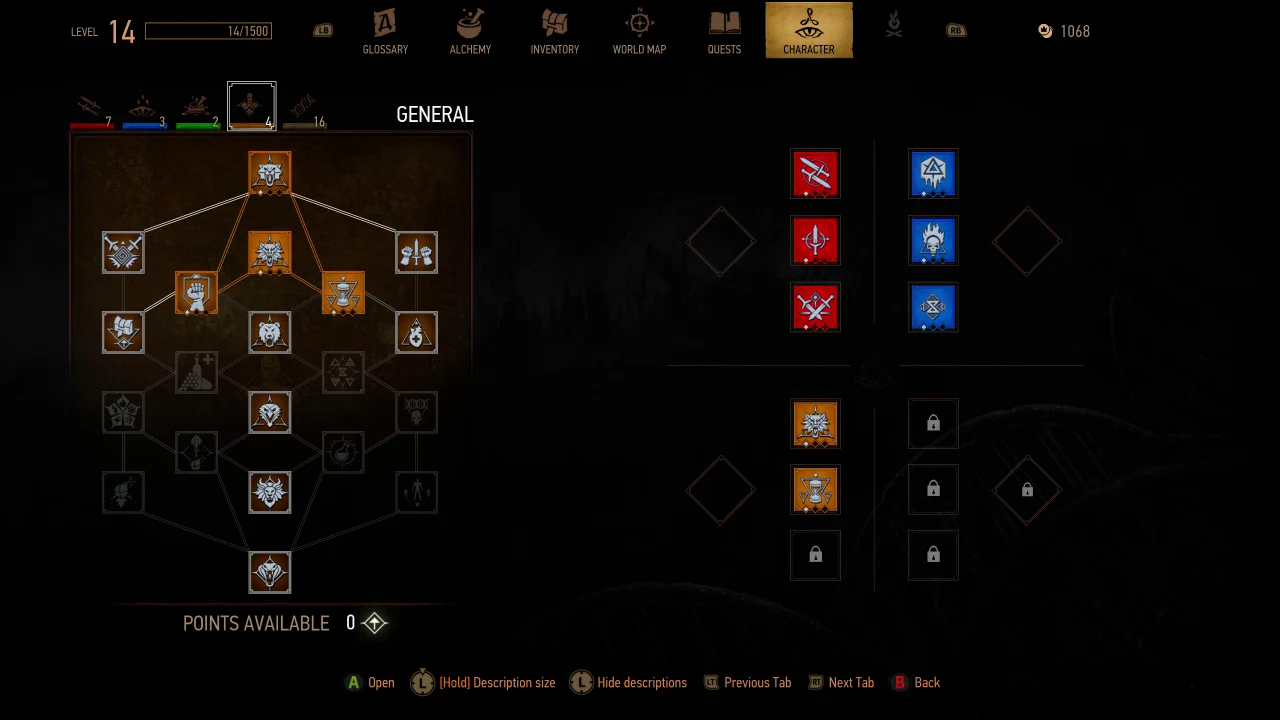
Read the screen in three parts
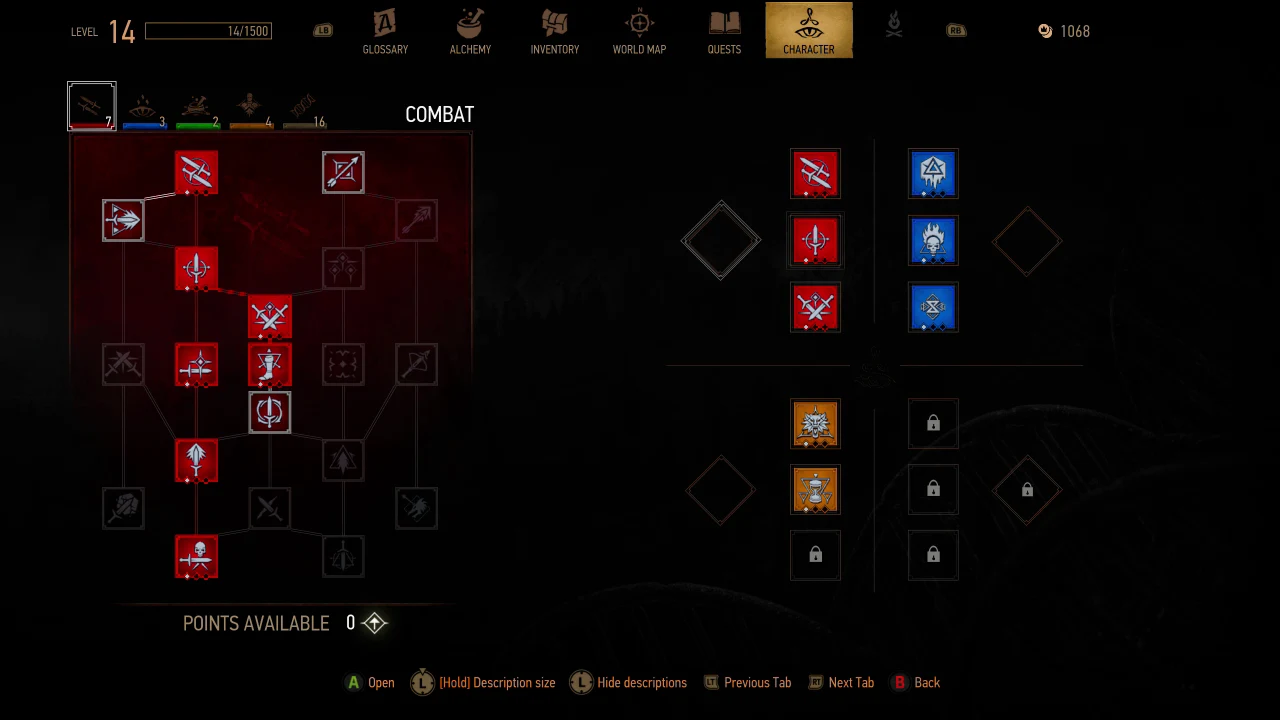
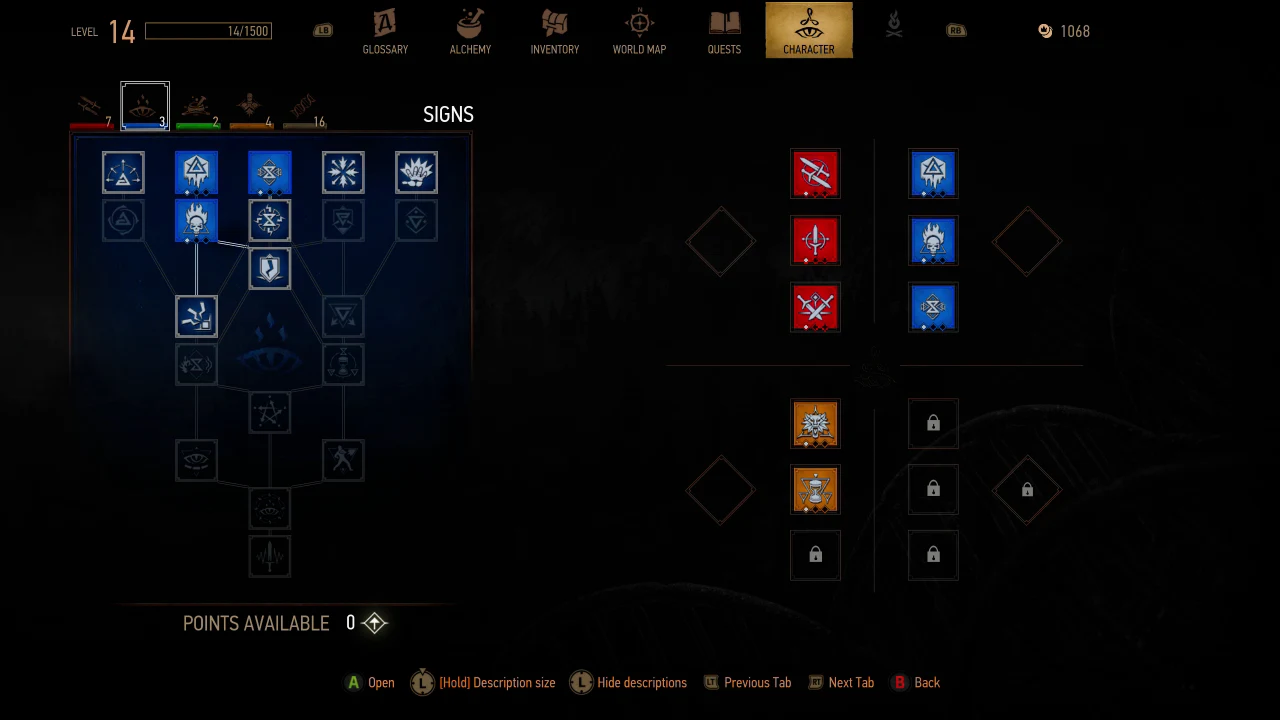
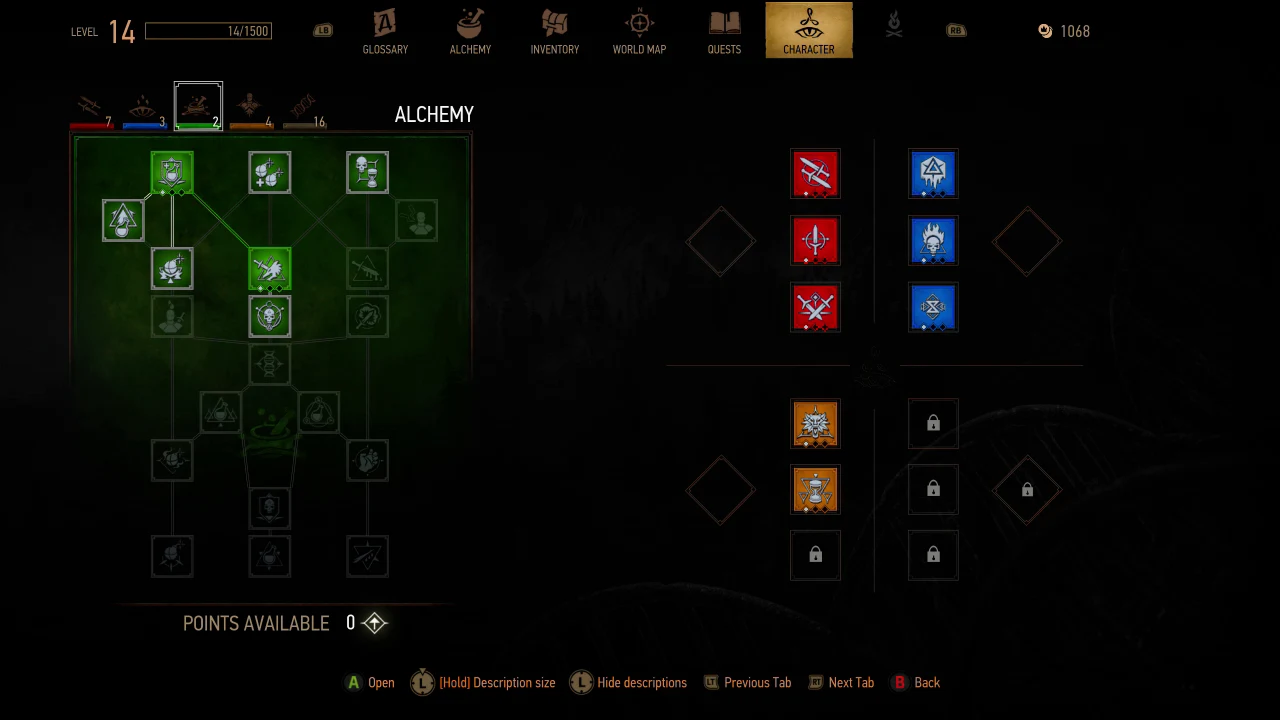
- 1. The tree on the left: Select a node to read its description and prerequisites. Follow the connecting paths toward the abilities you want. A line shows a relationship, but the tooltip is the authority on the exact requirement.
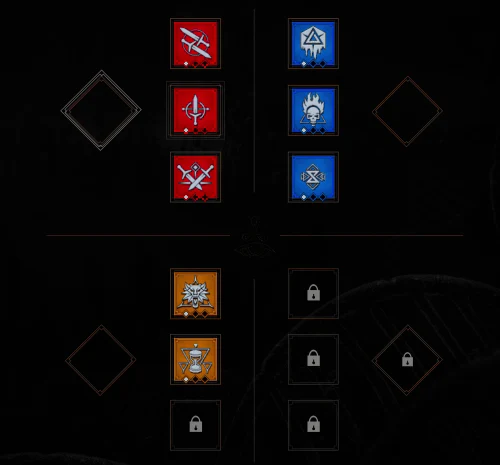
- 2. The equipped skills on the right: These are the abilities assigned to your current loadout. Learning an ability and equipping it are separate steps; check that the skill you want to use occupies an available slot.
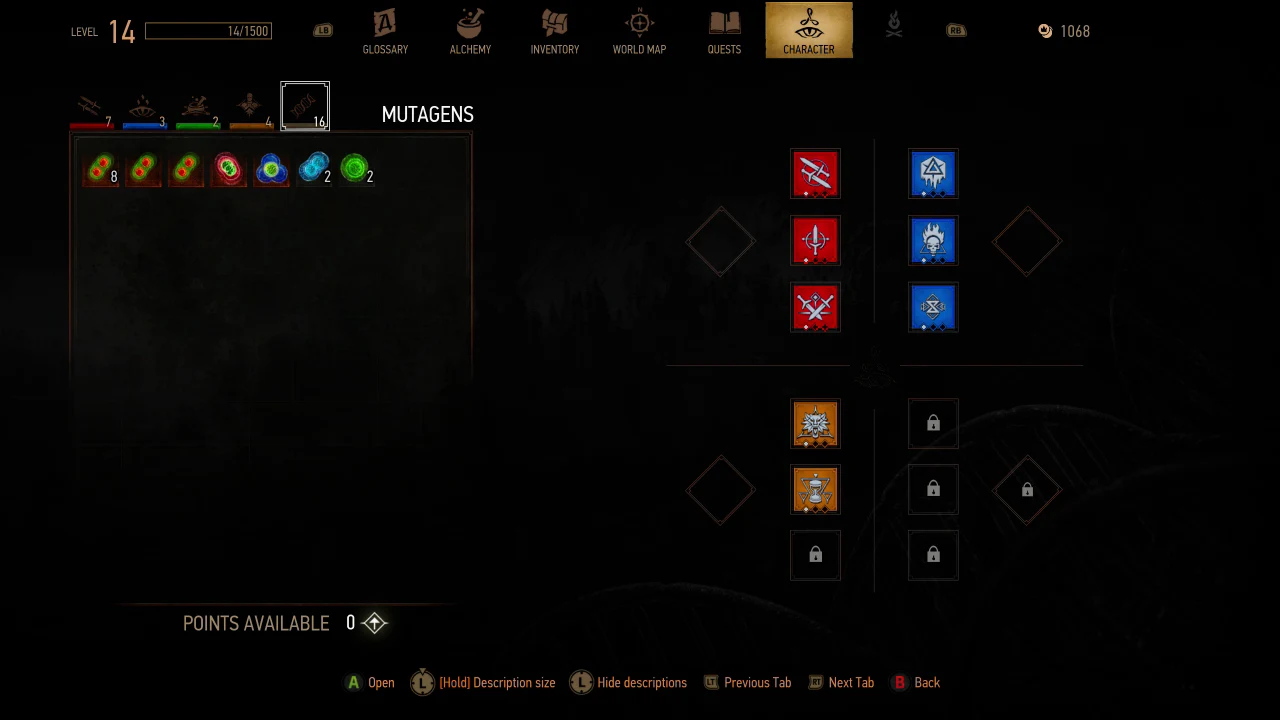
- 3. The diamond sockets: These are for mutagens. In this recording, the unlocked upper sockets are empty. The lower-right socket displays a lock.
Small diamonds beneath skill icons display rank progress. Lock symbols identify unavailable slots. Do not interpret every dark tree node as the same state: select the node to distinguish an unlearned ability from one whose prerequisites remain unmet.
 Open full image
Combat — red
Combat is the branch to inspect when you want to develop sword fighting and other physical combat abilities. Choose a path around the attacks and defensive actions you actually use, and read each connected node before committing points. A sword-focused player can use this as the main branch, then support it with selected Signs or Alchemy abilities.
 Open full image
Signs — blue
Signs are Geralt’s magic tools. Aard provides a force blast, Igni uses fire, Yrden creates a magical trap, Quen provides protection, and Axii influences minds. Their basic purposes help you decide which abilities to inspect; the current tooltips explain how each upgrade changes that Sign.
For a beginner, Quen is a useful defensive tool to practice while learning enemy attacks. A player who prefers magic can explore a focused Signs path. These are playstyle suggestions, not claims about a mathematically strongest Remastered build.
 Open full image
Alchemy — green
Alchemy supports the preparation side of witcher combat: potions, decoctions, oils, bombs, and related ability effects. Consider this branch if you enjoy preparing for a monster’s weaknesses and managing your consumables. Read toxicity-related descriptions carefully before planning combinations; older guides may quote values that have changed.
 Open full image
General — amber
General contains abilities outside the three specialist branches. Browse it for support options that fit your equipment and preferred playstyle. Remastered also displays this branch as a connected tree, so do not assume an old one-point General ability retains its former cost or effect.
 Open full image
Mutagens — support your loadout
The Mutagens tab shows the mutagens available to select. Mutagens occupy the diamond sockets beside the equipped ability groups. The traditional color roles are red for attack power, blue for Sign intensity, and green for Vitality. Matching skill and mutagen colors is a useful starting point, but inspect the current socket bonus in your game before publishing exact percentages or promising a particular multiplier.
Eric’s recording shows the selection list, but no mutagen is equipped in the visible unlocked sockets. The clip therefore does not demonstrate a before-and-after bonus. This screen also is not the separate Blood and Wine mutation research tree; it should not be labeled as that feature.
 Open full image
A simple way to plan your build
- 1Decide whether swords, Signs, or preparation will be your main focus.
- 2Open the ability you want and read its effect, rank, and prerequisites.
- 3Follow its required path and spend available points deliberately.
- 4Equip the learned ability in an available slot.
- 5Check mutagen choices and read the displayed bonus.
- 6Try the loadout in combat and adjust it to what you actually use.
Evidence and limits
The screenshots are actual frames extracted from Eric Bryden’s supplied 41.9-second recording, not recreated game interfaces. The central 1280 × 720 menu area was cropped from the 2560 × 720 recording to remove unused side space. No skill icons or text were generated or replaced.
The recording briefly visits each branch without opening individual node tooltips. A complete ability-by-ability database, exact bonus table, prerequisite rank map, and slot unlock schedule cannot be established from this footage.
Editorial placeholder
Future ability details
Verified node details can be added after recording the expanded in-game descriptions. This is not an interactive skill calculator, and no estimated names, values, prerequisites, or slot rules are presented here.
Sources and credits
- CD PROJEKT RED. “See what’s new in The Witcher 3: Wild Hunt – Remastered!” September 28, 2026.
- Eric Bryden / Draconic1967. Supplied Witcher 3 gameplay recording, September 30, 2026. Screen observations at approximately 00:28–00:35.
- Guide by Draconic Realms Gaming, part of Draconic Realms Creations.